












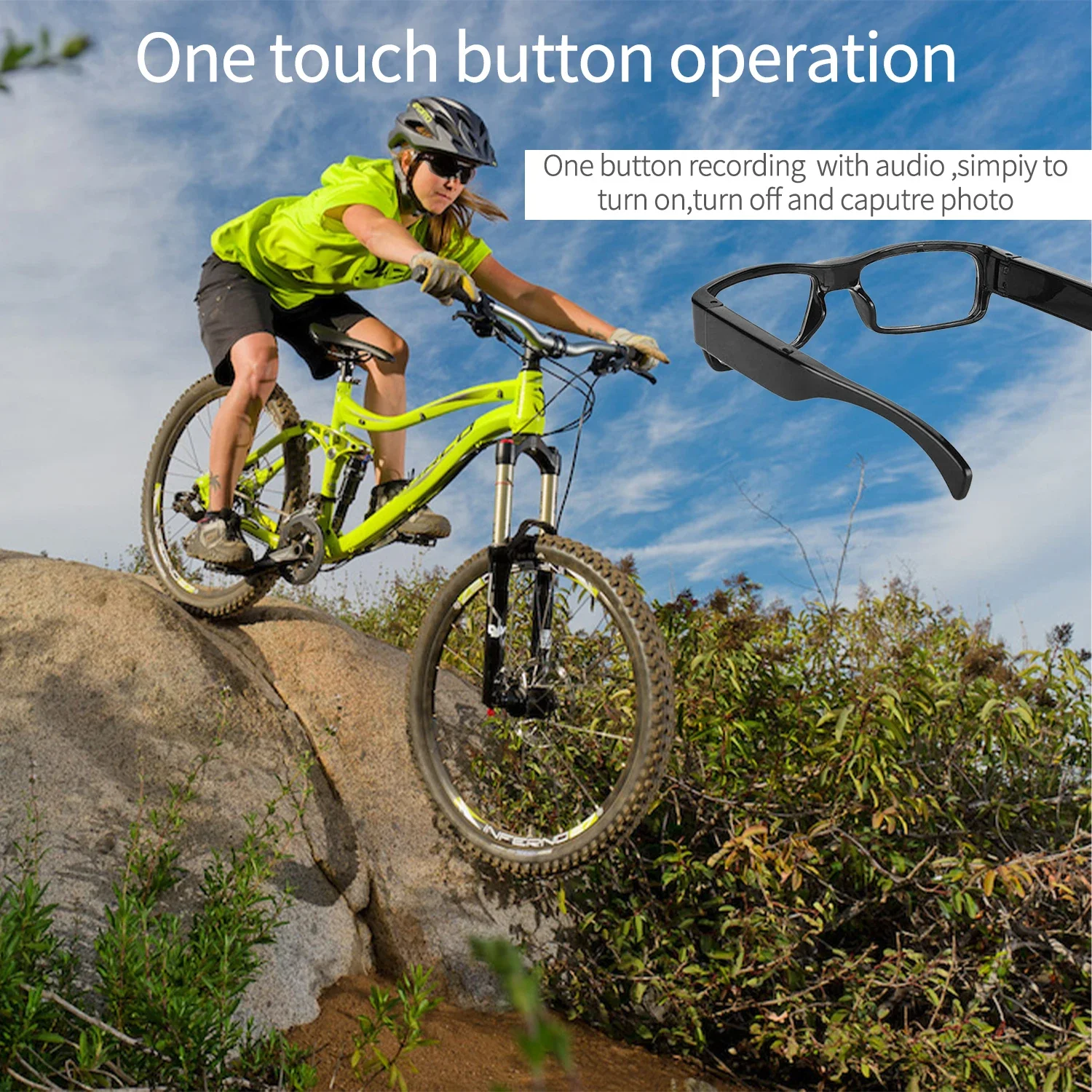











Functional OperationsFunction Description:1. Press and hold the power button for 3 seconds to enter standby mode. Press and hold the power button to enter standby mode; a single flash of the red light indicates a photo has been taken.Press and hold the power button for 2 seconds to make it flash, then turn it off continuouslyPress the power button three times to enter recording mode. While in recording mode, press and hold the power button again, and the red indicator light will illuminate, signaling the end of the recording process.3. The video duration is 5 minutes, with a maximum support of a 256G TF card.









Reviews
Clear filtersThere are no reviews yet.